
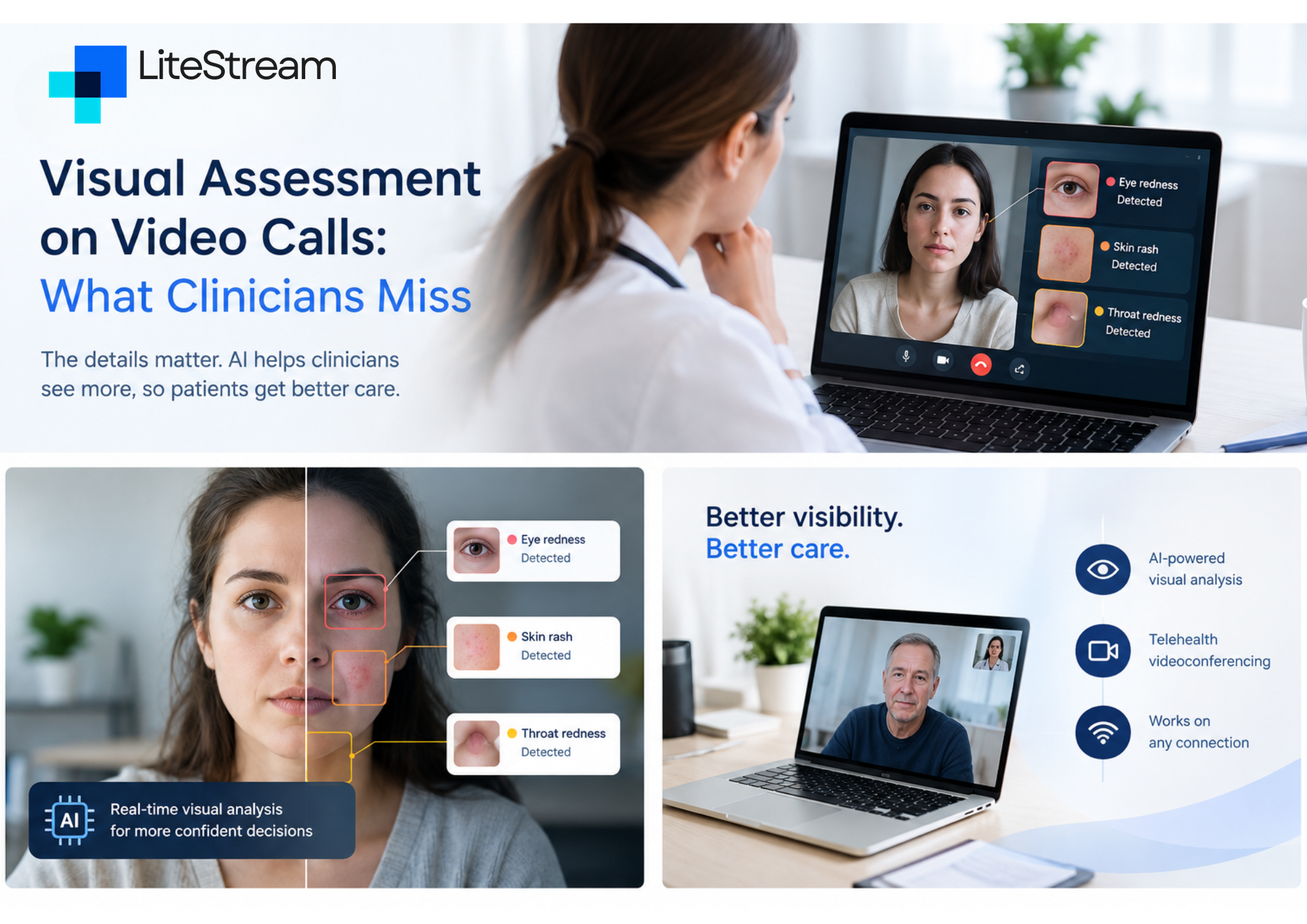
Visual Assessment on Video Calls: What Clinicians Miss
A patient joins a video call and says the cough is getting better. The call is clear, the history hangs together, and you never saw them walk to the chair, catch their breath halfway through a sentence, or wince as they sat down. In the room, you would have noticed all of that before they said a word.
Most of what makes a remote consultation work is the conversation. The visual part is where it quietly falls short. This guide looks at what gets lost on video, why, and what you can do about it on your next call.
Video gets most diagnoses right. The misses are worth studying.
The best large dataset we have comes from the Mayo Clinic. Researchers followed 2,393 patients who had a video consultation for a new problem, then an in-person visit for the same problem in the same specialty within 90 days. The diagnosis made over video matched the in-person diagnosis in 86.9% of cases.
That is reassuring, but the detail is more useful than the headline. Specialty clinicians matched the in-person diagnosis 88.4% of the time, compared with 81.3% in primary care. Across specialties, agreement ranged from 77.3% in ENT to 96% in psychiatry.
The pattern makes sense. Where a diagnosis rests mostly on history, video does well. Where it rests on examination, it does less well. The authors made the same point: video gives plenty of room for history-taking but can limit how complete the physical examination is in some specialties.
Two more details matter. Clinicians in the study used ordinary computers with no stethoscopes, otoscopes or ophthalmoscopes attached, so this was plain video, the setup most practices use. And the researchers suggested that primary care video services might lower their threshold for early in-person follow-up when a condition is usually confirmed by examination, neurological testing or pathology.
Put simply: video is a good tool with a known blind spot, and that blind spot is mostly visual.
What the in-person look gives you
Clinicians start assessing before the formal exam begins. As one widely cited guide on virtual examination puts it, watching how a patient walks into the room and how much effort it takes to get onto the couch says a lot about their functional state.
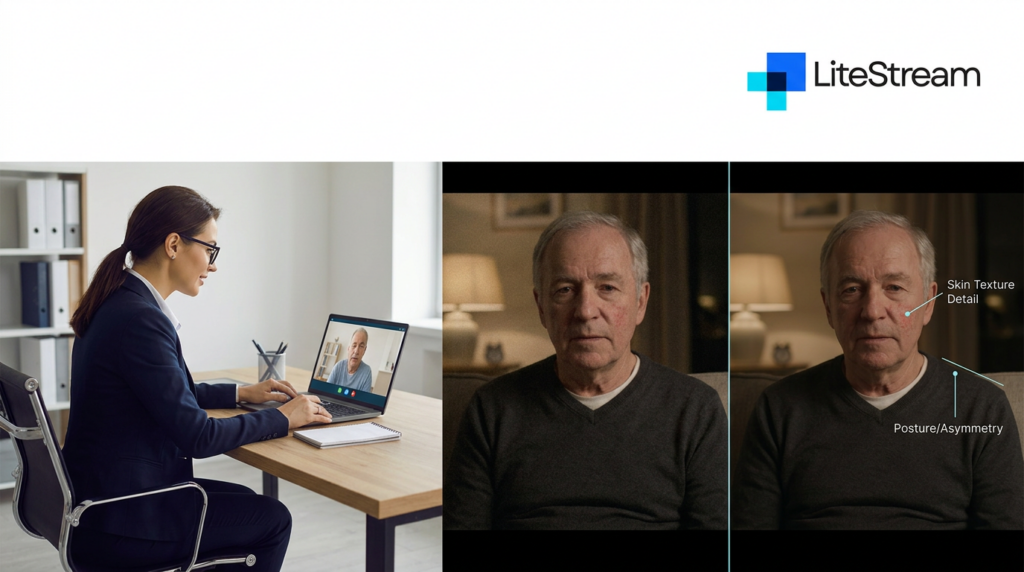
In a normal consultation, you pick up without trying:
- Gait, posture and how someone gets up from a chair
- Skin colour: pallor, flushing, jaundice, cyanosis
- Breathing effort, speech between breaths, use of accessory muscles
- Swelling, rashes, wounds and how they have changed
- Tremor, asymmetry and small involuntary movements
- Affect, grooming and general self-care
- Whether the patient looks unwell in a way that is hard to name but easy to recognise
None of these need equipment. They need a clear, true-to-life view of the patient, which is exactly what a typical video call struggles to give you.
Where video loses visual information
The losses are not random. They come from a handful of predictable causes.
Framing. Most patients sit close to a laptop or hold a phone at arm’s length. You see a face and shoulders. That is fine for conversation and poor for gait, posture, legs, hands or anything the patient does not think to show you.
Light and colour. Phone and laptop cameras adjust brightness and colour on their own. A patient sitting with a window behind them becomes a silhouette. Warm indoor lighting shifts skin tones. The subtle colour changes you rely on in person, such as early jaundice, pallor or a faint rash, are exactly what automatic camera correction tends to smooth over.
Resolution and compression. Video is compressed before it is sent. When the connection is weak, the software throws away fine detail first to keep the picture moving. Skin texture, small lesions and the edges of a wound are usually the first things to blur.
Lag and dropped frames. A connection that stutters can hide the very movements you are watching for: a tremor, a brief facial asymmetry, a hesitation in gait. It can also make a perfectly steady patient look jerky, which is its own problem.
What the patient chooses to show. On video, the patient controls the camera. They show you the knee they are worried about, not the ankle that is also swollen. They may not mention that someone else is in the room, which can change what they are willing to tell you or show you.
Which consultations feel it most
The Mayo figures give a rough guide. ENT had the lowest agreement in that study, which fits: so much of that exam depends on seeing inside the ear, nose and throat. New problems in primary care also came in lower than specialty care, likely because an undifferentiated presentation relies more on a broad look at the whole patient.
Dermatology, wound care, musculoskeletal problems and neurology share the same weakness. The key finding is often something you see, and video degrades seeing more than hearing.
Mental health came out well on diagnostic agreement in the Mayo data, but that does not mean video captures everything there either. Affect, psychomotor change and eye contact are all visual. We will look at remote mental health assessment in a separate article.
A checklist for your next video consultation
You cannot fix a patient’s camera from your desk, but you can set the call up to get more of what you need. The Telehealth Ten, a patient-assisted virtual exam published in the American Journal of Medicine, is a good starting point. Some of its suggestions are strikingly simple. For example, ask the patient to close their eyes to check for xanthelasma, then look up so you can check for corneal arcus and compare the pupils. It also recommends asking patients to show you what they have noticed, and involving a trusted person who is with them.
Building on that, here is a practical checklist.
Before the call
- Ask the patient to sit facing a window or lamp, not with the light behind them.
- Suggest they prop the device up rather than hold it, so their hands are free.
- If possible, have someone with them who can move the camera.
- Agree what happens if the call drops: will you ring back, or switch to phone? Agreeing a fallback in advance is standard advice from medico-legal bodies in Ireland.
During the call
- Ask who else is in the room. If the patient cannot speak freely, a face-to-face appointment may be more appropriate.
- Ask the patient to stand, walk a few steps away and back, and sit down again.
- For skin or wounds, ask them to move the camera closer and hold still for a few seconds, rather than using digital zoom.
- Compare both sides where it matters: both hands, both legs, both sides of the face.
- If the picture freezes or blurs at the moment you need it, ask for a repeat. Do not guess.
After the call
- Record what you assessed visually and, just as importantly, what you could not assess and why.
- Note the channel used and the quality of the connection if it affected the exam.
- Keep a lower threshold for in-person follow-up when the diagnosis depends on examination.
Good notes matter more here than in person. They are what explains the context and reasoning behind a decision when it is reviewed months or years later. Remote care in Ireland is held to the same bar as in-person care: the Medical Council is clear that telemedicine carries the same standard of care as a face-to-face consultation. Its telemedicine guide for doctors is worth a read if you have not seen it.
Knowing when video is not enough
Sometimes the right call is to stop the video consultation and bring the patient in. In-person care remains the better option when a situation is urgent, when you cannot carry out an adequate physical exam remotely, or when a sensitive topic makes the patient uncomfortable or raises privacy concerns.
A good remote service is not one that handles everything on video. It is one that recognises early which consultations should not be on video at all.
Where AI visual analysis fits
Everything above relies on the clinician noticing what is on screen, with a camera and connection that often work against them. That is the gap we are working on at LiteStream.
LiteStream uses patent-pending video inspection technology to analyse patient appearance in real time during a consultation. It sits beside the call and flags potential visual concerns for the clinician to look at more closely. The same workspace provides low-bandwidth video that holds up on rural broadband and mobile data, a live transcript, and a draft clinical note once the call ends.
The principle behind it is simple: the software points, the clinician decides. Nothing is diagnosed automatically, and every note is reviewed and approved by the clinician. The aim is to give the doctor back some of what they would have seen in the room, not to replace their judgment.
LiteStream is in working beta, and we are adding trial partners now.
Frequently asked questions
Are video consultations accurate enough for diagnosis?
For many problems, yes. In the largest multispecialty study to date, video diagnoses matched later in-person diagnoses in about 87% of cases. Accuracy was lower in primary care and in specialties that depend heavily on physical examination.
What is hardest to assess over video?
Anything that depends on fine visual detail or true colour, such as skin changes, early jaundice or small lesions, and anything outside the camera frame, such as gait, posture and the lower limbs.
How can I improve visual assessment on a video call?
Get the patient facing a light source, have them prop the camera up or use a helper, ask them to stand and move, and bring the camera close to anything you need to inspect. Always document what you could not see.
Does using AI during a consultation change who is responsible for the decision?
No. Clinical responsibility stays with the clinician. Tools like LiteStream are designed to flag, not to decide.
Are you a clinician or practice interested in better remote assessment? Request early access and join the clinician waitlist.
Sources
- Demaerschalk BM, et al. Assessment of Clinician Diagnostic Concordance With Video Telemedicine in the Integrated Multispecialty Practice at Mayo Clinic During the Beginning of COVID-19 Pandemic From March to June 2020. JAMA Network Open. 2022;5(9):e2229958. https://jamanetwork.com/journals/jamanetworkopen/fullarticle/2795871
- Benziger CP, Huffman MD, Sweis RN, Stone NJ. The Telehealth Ten: A Guide for a Patient-Assisted Virtual Physical Examination. American Journal of Medicine. 2021;134(1):48-51. https://pmc.ncbi.nlm.nih.gov/articles/PMC7368154/
- Medical Council of Ireland. Telemedicine Phone and Video Consultations: A Guide for Doctors. https://www.medicalcouncil.ie/public-information/telemedicine-phone-and-video-consultations-guide-for-doctors/
- Medical Independent. Remote consulting: legal, ethical, and practical considerations (June 2026). https://www.medicalindependent.ie/comment/medico-legal/remote-consulting-legal-ethical-and-practical-considerations/
- Medical Independent. Teleconsulting: keeping yourself and your patients safe (2021). https://www.medicalindependent.ie/comment/medico-legal/teleconsulting-keeping-yourself-and-your-patients-safe/